August 5, 2026 · Magati Joel
Building a Logistics Website
How I extended my multi-industry website platform with a complete logistics template featuring shipment tracking, fleet management and reusable architecture.
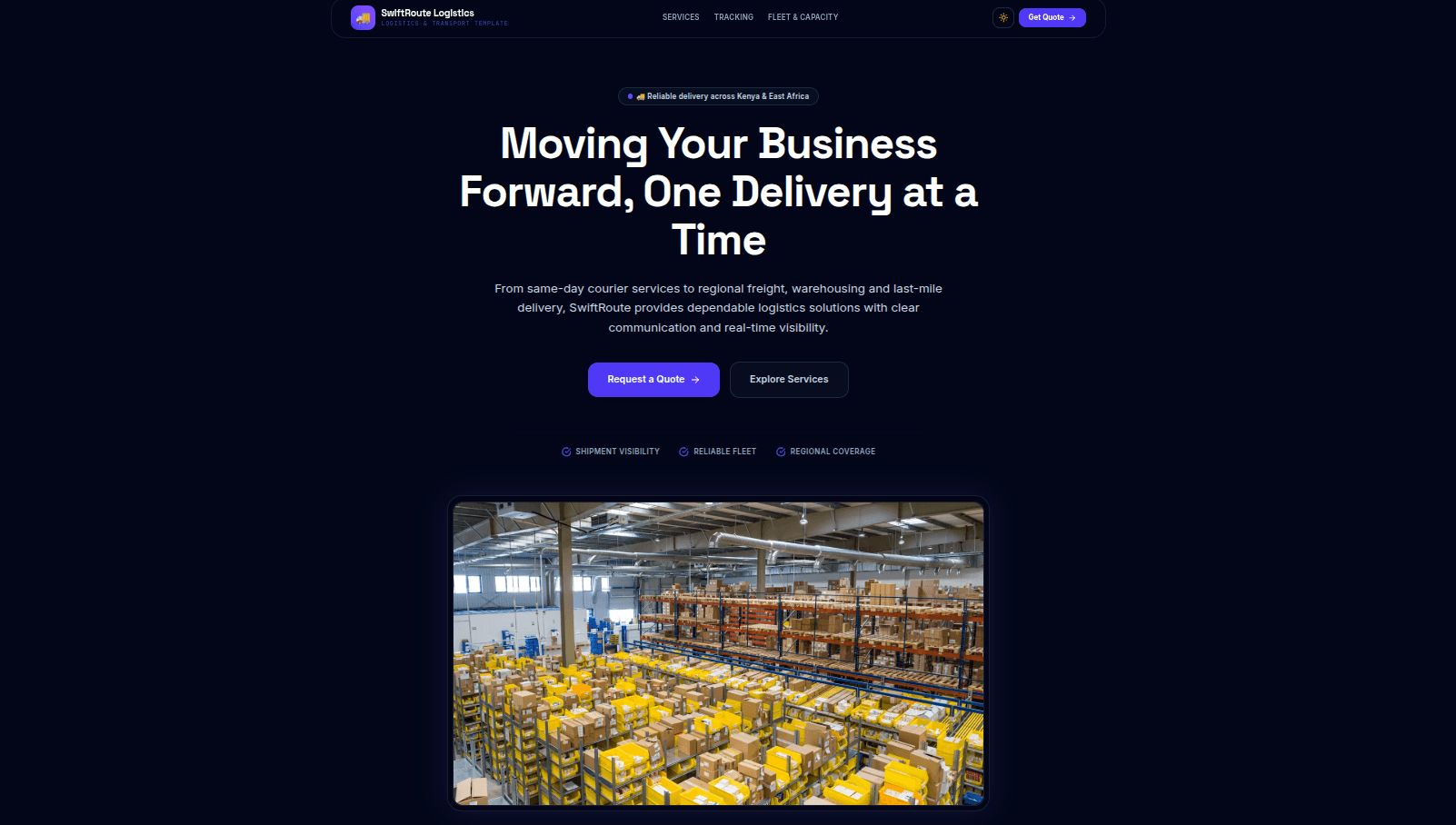
Hook: Why This Project Exists
Every logistics company needs an online presence, but most websites only act as digital brochures. I wanted to create something businesses could actually build upon—a modern starter kit that not only showcases services but also lays the foundation for shipment tracking, fleet management and customer self-service.
The Problem
Many logistics websites share the same structure:
• Hero section
• Services
• Fleet
• Coverage
• Contact
Yet developers often rebuild these pages from scratch for every client.
As my multi-industry platform grew, I realized logistics was another perfect candidate for the same reusable architecture.
My Approach
Instead of starting a new React project, I added Logistics as another industry configuration.
The application simply loads a different configuration object, which determines:
• Theme
• Navigation
• Sections
• Content
• Images
• Brand colours
The same rendering engine powers every website.
Only the configuration changes.
The logistics version introduces:
• Shipment Tracking
• Fleet Showcase
• Service Coverage
• Industries Served
• Road, Air & Sea Freight
• FAQs
• Testimonials
without changing the underlying architecture.
Interesting Challenges
The biggest challenge wasn't the design—it was deciding how a real shipment tracking system should work.
Instead of creating fake animations, I designed the tracking interface around how production logistics systems operate.
Each shipment has:
• Tracking Number
• Current Status
• Current Location
• Timeline Events
• Estimated Delivery
This makes it straightforward to connect the frontend to a future backend powered by PostgreSQL or Supabase.
Another challenge was keeping the configuration clean as more industries were added.
Every new section had to be registered in:
• Component Registry
• Client Configuration
• Section Metadata
• Playwright Screenshot Tests
Maintaining consistency became increasingly important.
The Tech Stack
• React
• TypeScript
• Vite
• Tailwind CSS
• Framer Motion
• Configuration-driven Architecture
• Component Registry
• Playwright
The result is a reusable platform capable of producing websites for multiple industries without duplicating code.
Lessons Learned
This project reinforced how powerful configuration-driven development can be.
Instead of creating ten different projects, one codebase now powers:
• Business
• Law Firm
• Clinic
• School
• Restaurant
• Hotel
• Construction
• Real Estate
• E-Commerce
• Logistics
Adding a new industry now mostly involves creating configuration files rather than rewriting components.
Final Thoughts
The logistics starter kit is another step toward building a complete library of production-ready websites.
Future improvements include:
• Live shipment tracking
• Driver portal
• Admin dashboard
• Barcode scanning
• GPS integration
• Customer notifications
The goal isn't just to build attractive websites—it's to create scalable foundations that businesses can continue growing long after launch.