July 12, 2026 · Magati Joel
Building a Config-Driven Multi-Industry Website with React and TypeScript
How I designed one reusable React codebase to power business, law, clinic, school, restaurant, hotel, construction, real-estate, and eCommerce websites.
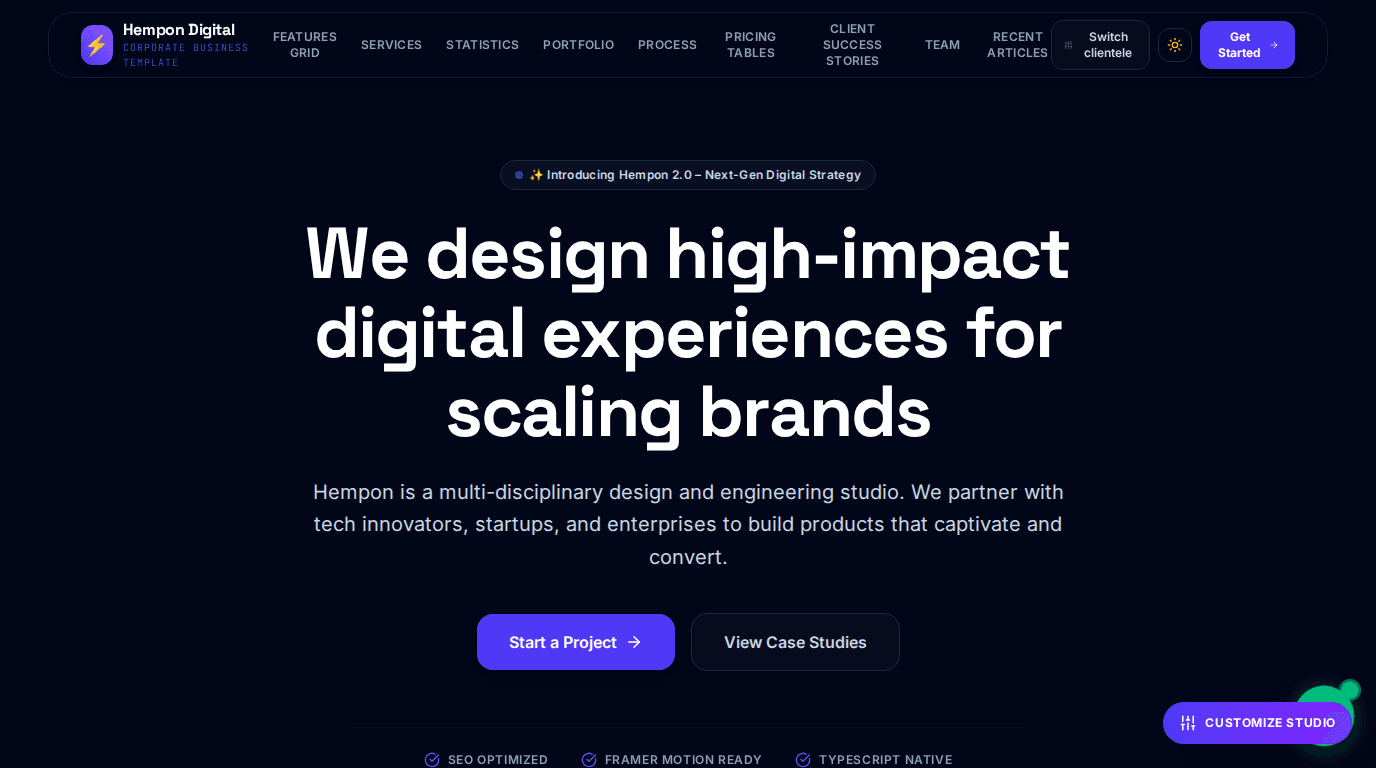
Why This Project Exists
Building websites for different clients often starts with the same familiar routine.
Create a new project. Copy components from an older website. Replace the logo. Change the colors. Rewrite the hero section. Adjust the navigation. Then repeat the process for the next client.
At first, this approach feels fast. However, after building websites for businesses, law firms, clinics, schools, restaurants, hotels, construction companies, real-estate agencies, and online stores, I noticed that most of the code was almost identical.
The industries were different, but the foundations were not.
I wanted to stop rebuilding the same website and start building a system that could produce many websites from one reusable codebase.
The Problem
Most business websites rely on a similar collection of sections:
- Navigation
- Hero content
- Services
- About information
- Testimonials
- Frequently asked questions
- Contact forms
- Calls to action
- Footers
The real differences are usually the wording, images, colors, industry-specific sections, and branding.
Maintaining a separate repository for every client created several problems. A bug fixed in one project still existed in the others. A new feature had to be copied manually across multiple codebases. Design improvements became difficult to distribute consistently.
I needed an architecture where presentation could remain reusable while each client still had a unique identity.
My Approach
I built a config-driven website platform using React and TypeScript.
Instead of hardcoding one client's content directly into the components, I separated the application into several layers.
The active deployment is selected through APP_CONFIG. Each industry has a definition in clientConfigs, including its default section order and available components. Complete website data is stored in configMap, while componentRegistry maps section names to reusable React components.
A central TemplateRenderer reads the active configuration and renders the selected sections in the correct order.
The general flow looks like this:
- Select the active client or industry.
- Load the matching website configuration.
- Retrieve the default section list.
- Resolve each section through the component registry.
- Render the finished website.
This allows the same application to produce websites for multiple industries without duplicating the entire frontend.
Interesting Challenges
One of the most frustrating bugs came from inconsistent identifiers.
The value in APP_CONFIG.client needed to match the corresponding keys in both configMap and clientConfigs. A single mismatch returned an undefined configuration and caused the application to fail when it attempted to access values such as config.theme.
The blank screen looked like a rendering problem, but the real cause was a naming inconsistency.
I solved this by introducing stronger TypeScript types, shared identifiers, and defensive fallbacks.
Another challenge was supporting two operating modes.
Builder mode allows me to:
- Switch industries
- Reorder sections
- Change themes
- Customize content
- Save configuration in local storage
Production mode must behave differently. It hides all editing controls, ignores old builder data, locks the selected client, and presents a finished website.
Keeping builder state from leaking into production required clear boundaries around local storage and configuration loading.
The Tech Stack
The project uses:
- React
- TypeScript
- Vite
- Tailwind CSS
- Motion
- Lucide React
- Local Storage
- Playwright
- Config-driven architecture
TypeScript became especially valuable as the number of industries and components increased. Strongly typed configurations made it easier to add new templates without accidentally breaking existing ones.
Playwright was later added to automate screenshots across every industry, section, and theme.
Lessons Learned
The biggest lesson was that configuration deserves the same discipline as application code.
A config-driven system becomes powerful only when its identifiers, interfaces, defaults, and fallbacks are reliable.
I also learned that reuse is not simply about creating generic components. Good reuse requires separating what changes from what remains stable.
In this project:
- Components provide presentation.
- Configurations provide identity and content.
- Registries provide discoverability.
- Renderers provide composition.
That separation made the platform much easier to extend.
Final Thoughts
This project changed the way I think about website development.
Instead of creating isolated websites, I now have a platform that can generate unique client experiences from one maintainable foundation.
Adding a new client usually involves creating a configuration, selecting sections, replacing images, and registering the deployment URL.
The most rewarding part is that each new website improves the platform rather than creating another codebase to maintain.
I am no longer only building websites. I am building a system that makes future websites faster, cleaner, and more consistent.